3. Client settings |
  
|
3. Client settings |
|
You have to save the phone number of your clients in your client manager in order to recognize the number.
Open your clientmanager in your project manager pointing to Windows -> Clients.
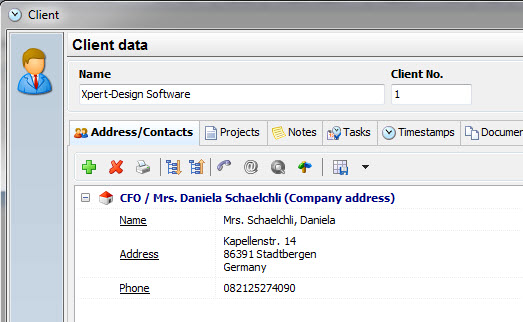
Add a new contact to your client and add the contact name and phone number.
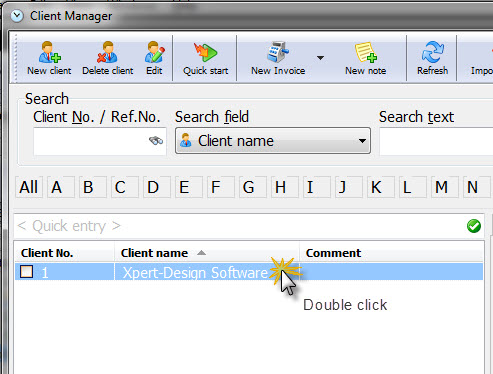
The next step is to open the client details by double clicking the client in the client list:
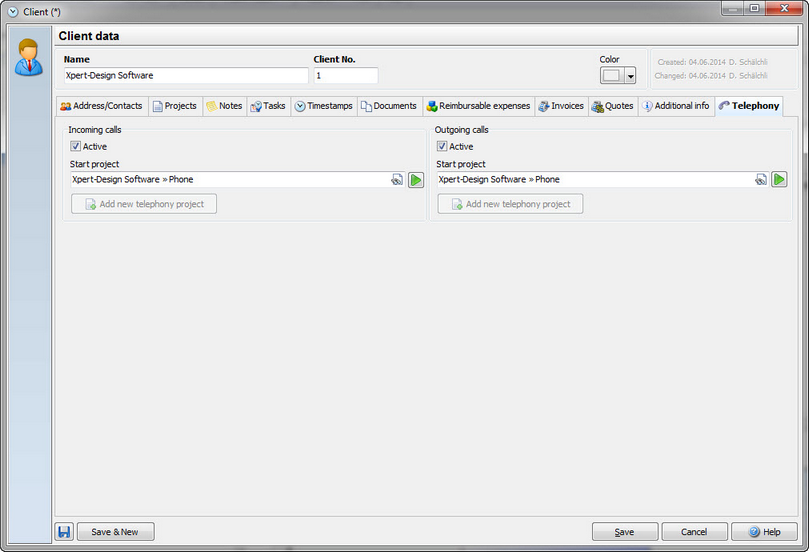
Point to the tab "Telephony". Now choose the project you want to start, when the client calls. In this dialog you can also add a new project "Telephony" for this client. If necessary, this dialog also allows you to start the Telephony project immediately.
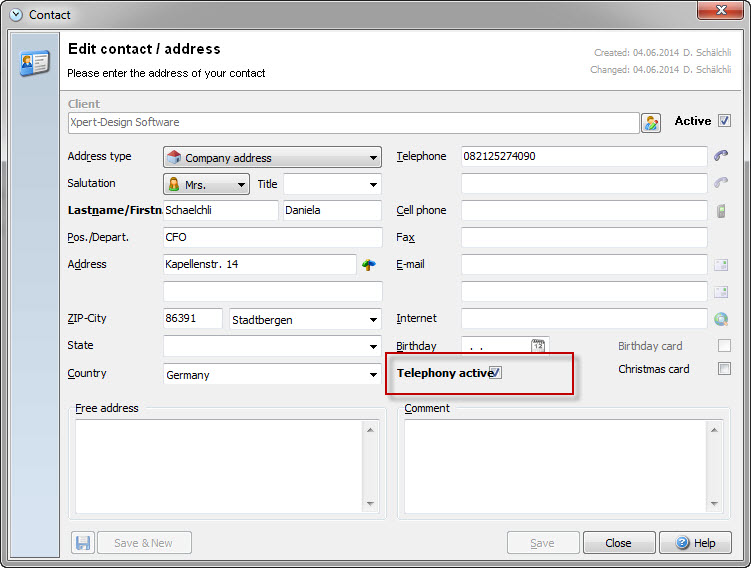
If you have multiple contacts to one client, you can activate or deactivate the Telephony in the contact details:
Now your telephony module is set up and ready to work.