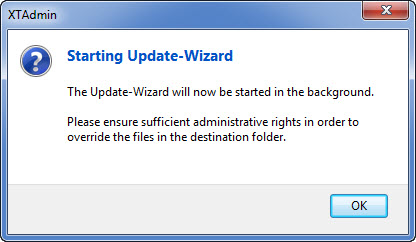
Software update |
  
|
Software update |
|
If you have installed your Xpert-Timer on a network drive a lot of users have access to, you can use XTAdmin to administer your updates. Before you update, you can block the log in to Xpert-Timer to make sure nobody uses it at the moment of the update. If you still have users in the Xpert-Timer system, you can kick them out of the program if necessary.
Create a new update:
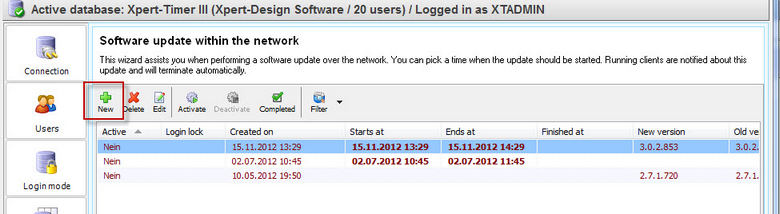
Choose the date and time for the update in the first step. Also select the program parts that need to be updated and set the path for the update:
Download the Update Wizard if you haven't yet:
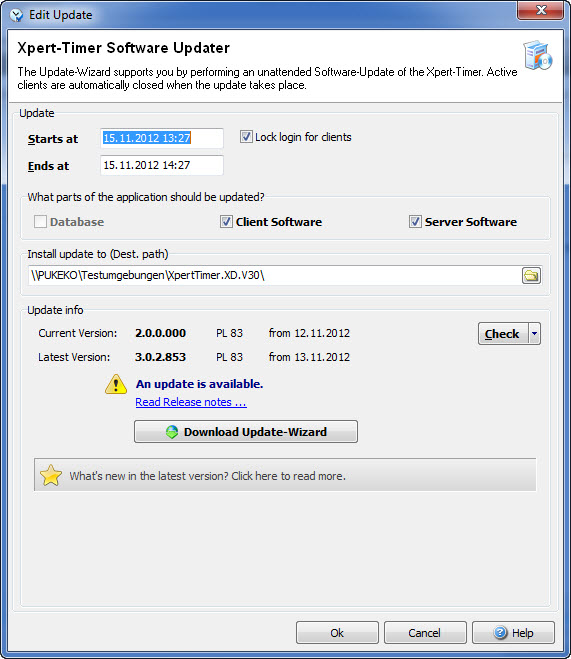
Unpack the xtupdater.zip. You can find the .zip file in the folder "Update" in your program file.
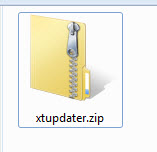
Run xtupdater.exe
The update will automatically start at the time specified and should update all necessary files automatically.