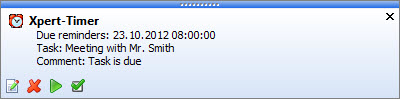
Signalizing |
  
|
Signalizing |
|
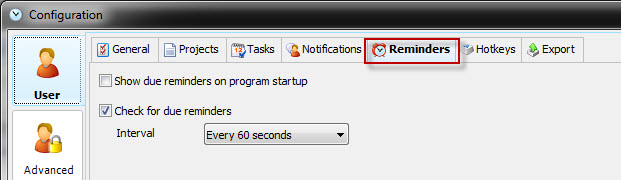
In the configuration setting of your reminders you can set the signalizing interval for your reminders. This means, how often Xpert-Timer checks for new reminders or due dates in the background. If you happen to have a lot of Xpert-Timer users and experience a slow database connection, you might want to try to use a longer ingerval. This is the place where you can also decide, if you want to see all reminders, when starting up Xpert-Timer.
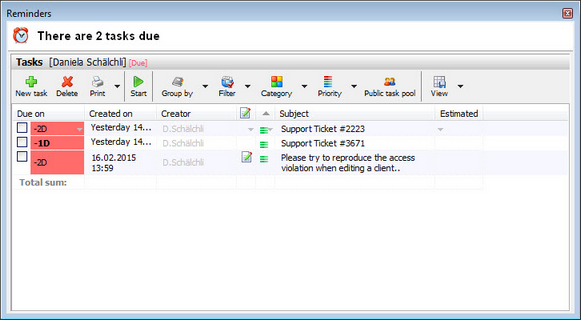
You can be signalized in two different ways:
A small window above your Windows traybar will open. It will stay open until you close it manually.