Documents |
  
|
Documents |
|
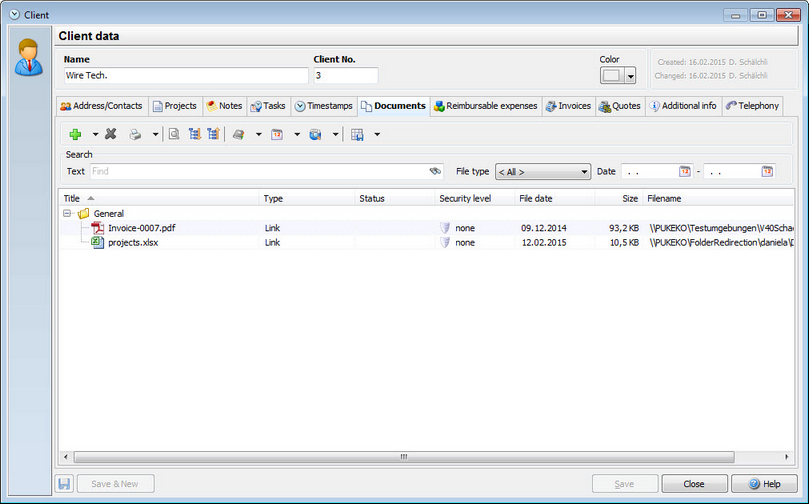
If you create documents in regards to your project, of if you have images that belong to the project, you can set links in the document management. If the documents are small in file size, there's no problem to save them in the database, but if you have images with large MB or GB sizes, you should remember, that your database will get jammed. It's better to use links to the images instead.
In order to have a user open the documents, the security level of the document must match or be lower than the security level you entered in the user settings for the specific user.
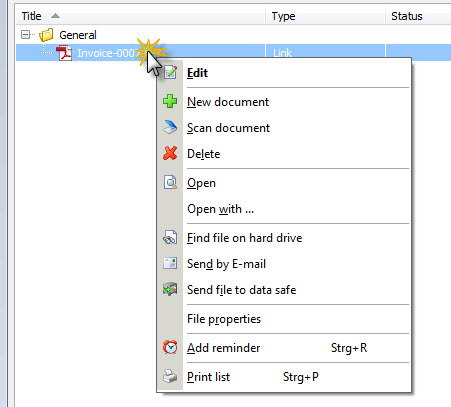
If you right-click on a document you have multiple, self explaining options available: