Additional Info |
  
|
Additional Info |
|
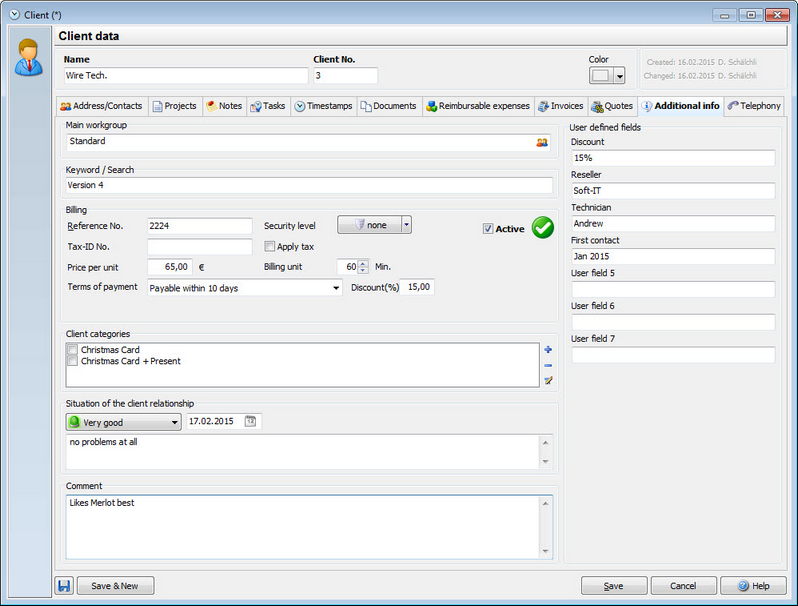
This tab is for further information about your client. You can assign keywords here or create user defined fields to enter information. Also you can create categories and assign them to the client. Here for example the client is a member of the Christmas card + Present Category. At the end of the year you can run a report with all clients that belong to this category.
The comment to the client is also visible in the project manager. If you run your mouse over the client, the comment will pop up in a little window. So if you want your Xpert-Timer users to know something specific about this client, you should enter it here.
Use the user defined fields, the comment and the keyword to filter for clients in the Client Management.
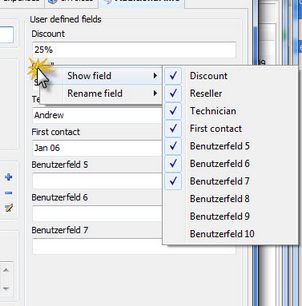
In order to assign user defined fields, right click on the name of the field.