User login |
  
|
User login |
|
|
Administrator |
|---|---|
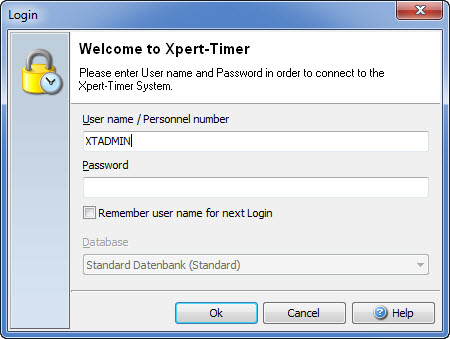
Attention: We deliver an administrative user with Xpert-Timer. This user should be only used to create the database and to service the database. Don't use this user to track times, as his access rights are limited. The standard user is XTADMIN and the standard password is also xtadmin. Please change the password, to make sure no unauthorized person accesses the database. |
|
In XTAdmin.exe you can choose to use a Login-Dialog to log into the Xpert-Timer system, or use the integrated Windows login system.
If you are using the login dialog, multiple users can log into the Xpert-Timer system on one computer, while only one user is logged in using the Windows integrated login system.
Spaces in the username are not allowed. You could also use your personal no., which you must have assigned once in Xpert-Timer, to log into the system.